Bing graphic

Tamar Mobile App

Manage Your Numbers Using Our App

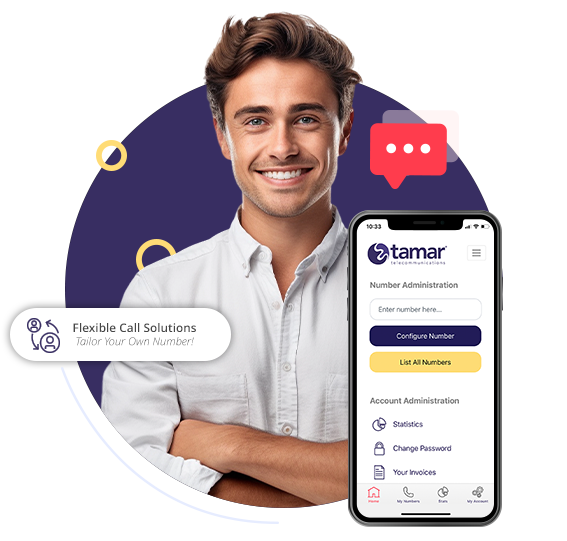
The Tamar Telecommunications app allows virtual phone numbers to be managed on the go via a mobile phone app.

The free app makes it easy to navigate through the settings, whether it’s to change where calls are being diverted to, or to listen to voicemail messages, the Tamar Telecommunications app gives great flexibility and it’s free to download.

Push notifications are available through the app too, which means you can be notified instantly on your mobile phone of any missed calls and new voicemail messages.

4.9/5 (Based on over 2,500 reviews)

Landline Flexibility On The Go

Tamar Mobile App

Manage Your Numbers

 Manage your numbers using your smart phone from anywhere.

Lady Receiving A Business Call
WOman on the tube using a tamar virtual phone

Push Notifications​

Receive push notifications when you miss a call directly to your phone.

Listen To Voicemails

Listen to your voicemails directly from the app.

Couple Looking At An Incoming Call From Their Tamar Virtual Number
Man Getting A Business Call/Transfer From Tamar Telecom

Real Time Stats

Check usage to your numbers and generate calls reports

Download The App

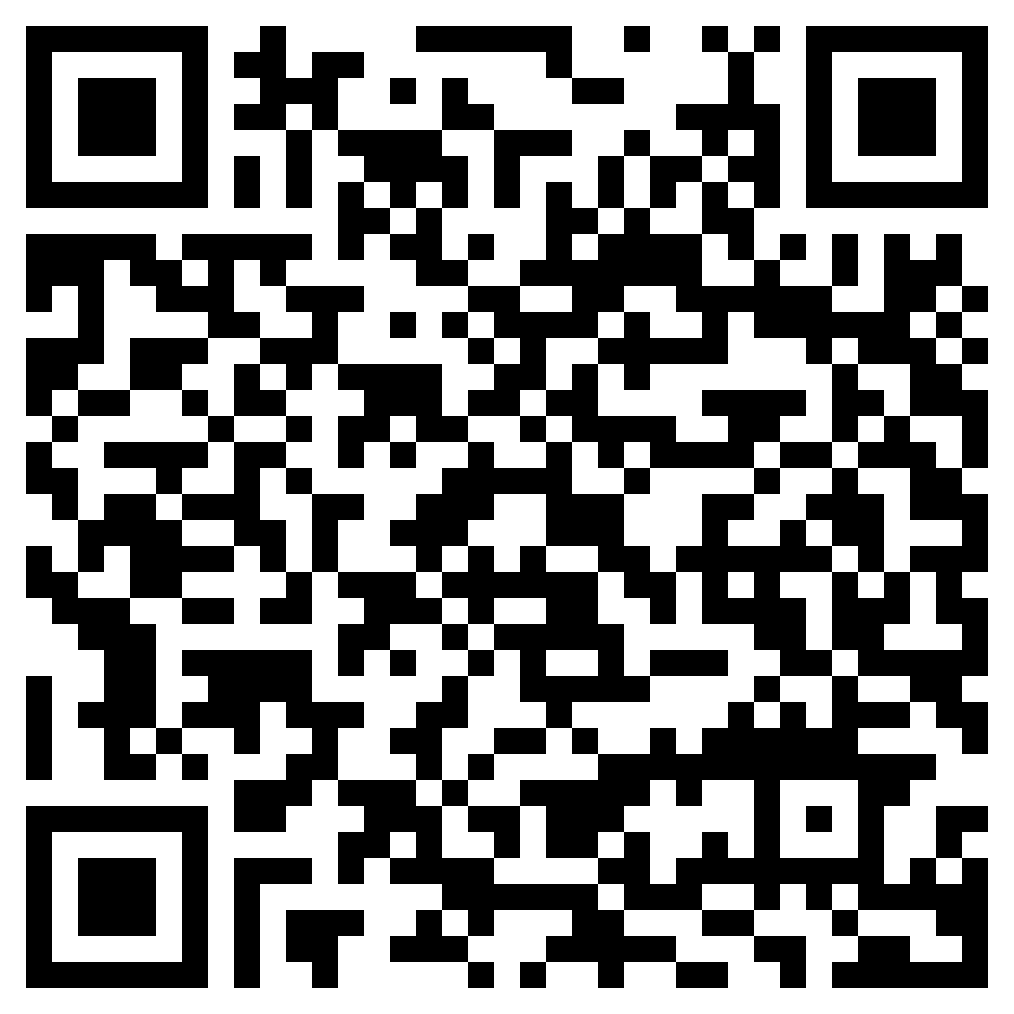
To download the app, scan the QR code below, select your app store or visit your app store directly and search ‘Tamar Control Panel’.

Apple App Store

Scan the QR code below to download

Download iOS App QR Code
Google Play Store

Scan the QR code below to download

Download Android App

Your Questions Answered

Some of the most popular questions we get asked

What Phones Are Supported?

The Tamar Control Panel App is available for Android and iPhone devices.

How Do I Login?

You can login to the app using your account code and password. There are the same login details you use to access the desktop control panel.

How Do I Download The App?

You can download the app by scanning the QR codes above or by searching 'Tamar Control Panel' in your app store.

How Do I Reset My Password?

You can reset your password here, enter your account code and email address and we'll send a password reset link.

Where are Tamar Telecom based?

We are 100% UK based, our head office is Plymouth in Devon.

We’ll do everything for you and even show you how to make changes to your number to get the best solution for your business.

Absolutely! you can move your telephone number to Tamar and take advantage of our amazing tariffs and business boosting features.

Absolutely none.

No. Just give us 30 days notice.

There isn’t one. We believe in honest telecoms for everyone. Take a look at what our customers are saying.

Frequently Asked Questions​

Here’s some of our most frequently asked questions. If you can’t find the answer you’re looking for, please call us on 0800 772 0000

Get A Mobile Landline That Does So Much More!

Tamar Mobile Landlines come with HUNDREDS of different feature combinations to take your business further.

Set your working hours, send calls to custom branded voicemail, have your business number call multiple devices and even activate Holiday Mode… All completely free with every Mobile Landline!